How to upgrade, downgrade, or change your BackupMaster plan on Shopify.
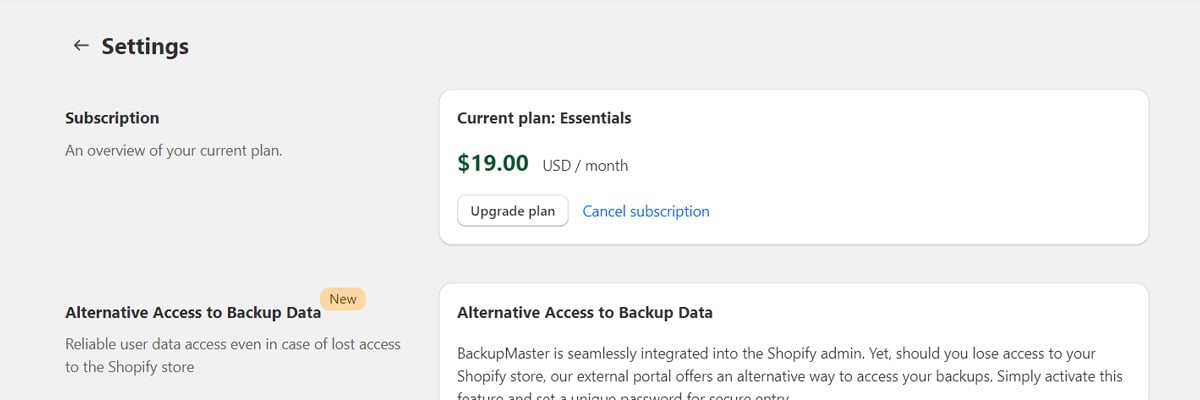
You can change your BackupMaster plan at any time. Open the BackupMaster app in your Shopify admin, go to Settings > Subscription, and select a different plan.
BackupMaster settings page showing subscription plan options
Shopify prompts you to approve a new recurring charge. This step is required because Shopify allows only one active recurring charge per app — your existing charge is canceled and replaced by the new one.
When you upgrade, Shopify prorates the increased charge based on the price difference and the days remaining in your billing cycle.BackupMaster tracks your order volume automatically. If your store exceeds your plan’s limit for three consecutive months, you need to upgrade to a plan that matches your current order volume. For details, see Plans and pricing.
When you downgrade, Shopify issues an app credit based on the price difference and the days remaining in your billing cycle. The credit applies to any future app purchase on Shopify.You can only downgrade to a plan that supports your store’s current order volume. If your store processes more orders than a lower plan allows, that plan isn’t available.Your backed-up data is preserved when you downgrade, but you lose access to features that aren’t included in the lower plan.